
Describe your idea
Chat with the assistant or choose a tool and model.
Your ideas, images, video and sound. Create with the BuzzSmile AI studio.

 From product to world
The result comes first
Choose a visual direction, prepare your prompt and explore the image and video studios.
Explore image to video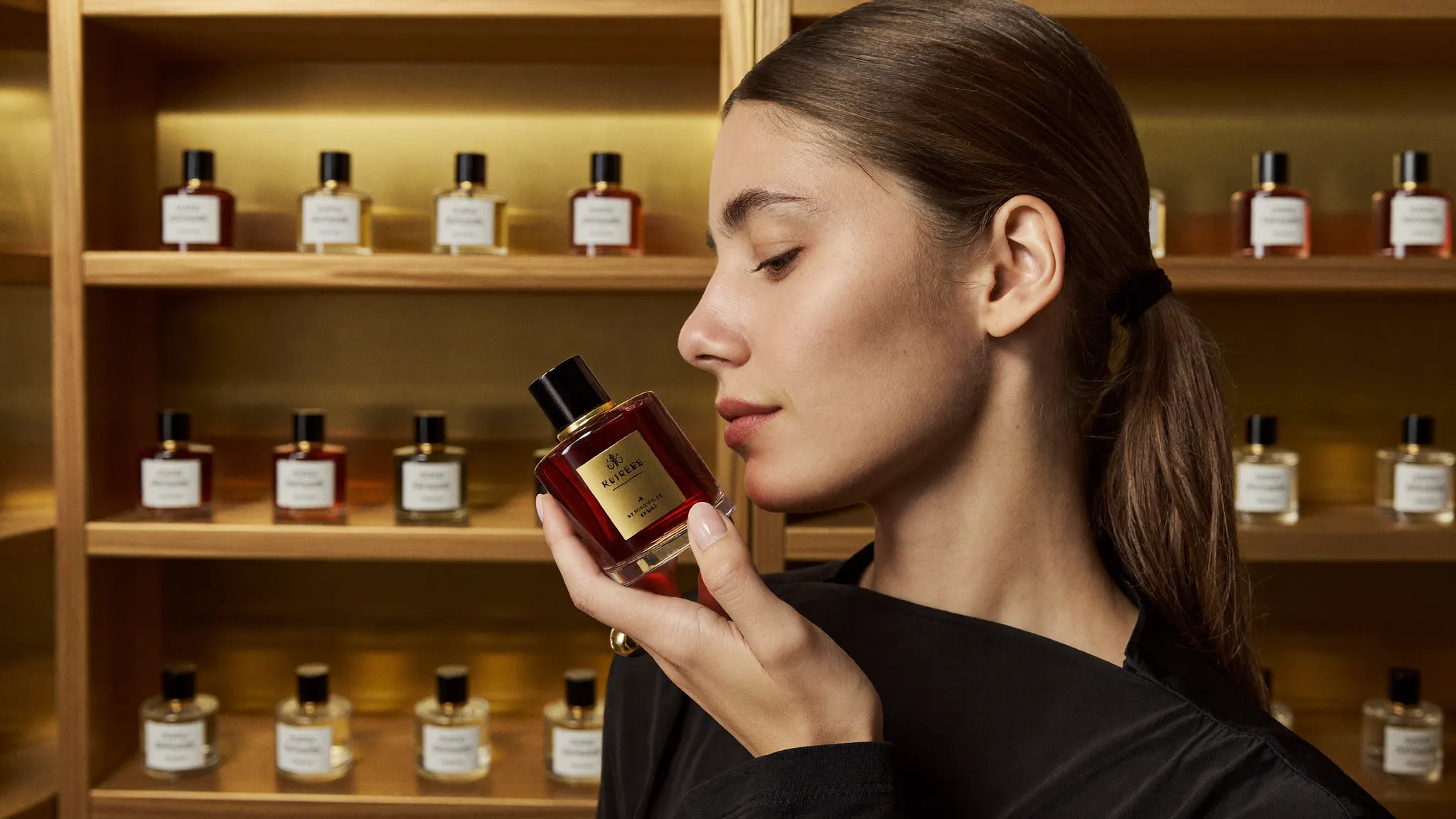 A visual directionLight. Texture. Motion.
Present your business with a tailored script and the studio’s UGC tools. Review the available settings before creating.
Explore UGC toolsExplore editing and captions, then find your creations in your workspace.
Explore captionsYour business, your story
UGC · Bring your brand to life
Turn your brief into a UGC presentation. Prepare your script and choose from the available studio options.
“What if your next trip started here?”
Script suggestionMade with BuzzSmile
Simple, from start to finish
Chat with the assistant or choose a tool and model.
Adjust the settings and review the quote before generating.
Track progress, review the result and find your files in your workspace.
Your creative studio
Models in the catalogue
Open the studio to check the available models.
Availability, settings and cost are confirmed in the studio before generation.
View all models ↗A little inspiration

Prepare a product launch video: define the audience, the product benefit, three scenes and a call to action.
Create a travel story: describe the destination, three authentic experiences and the intended audience.
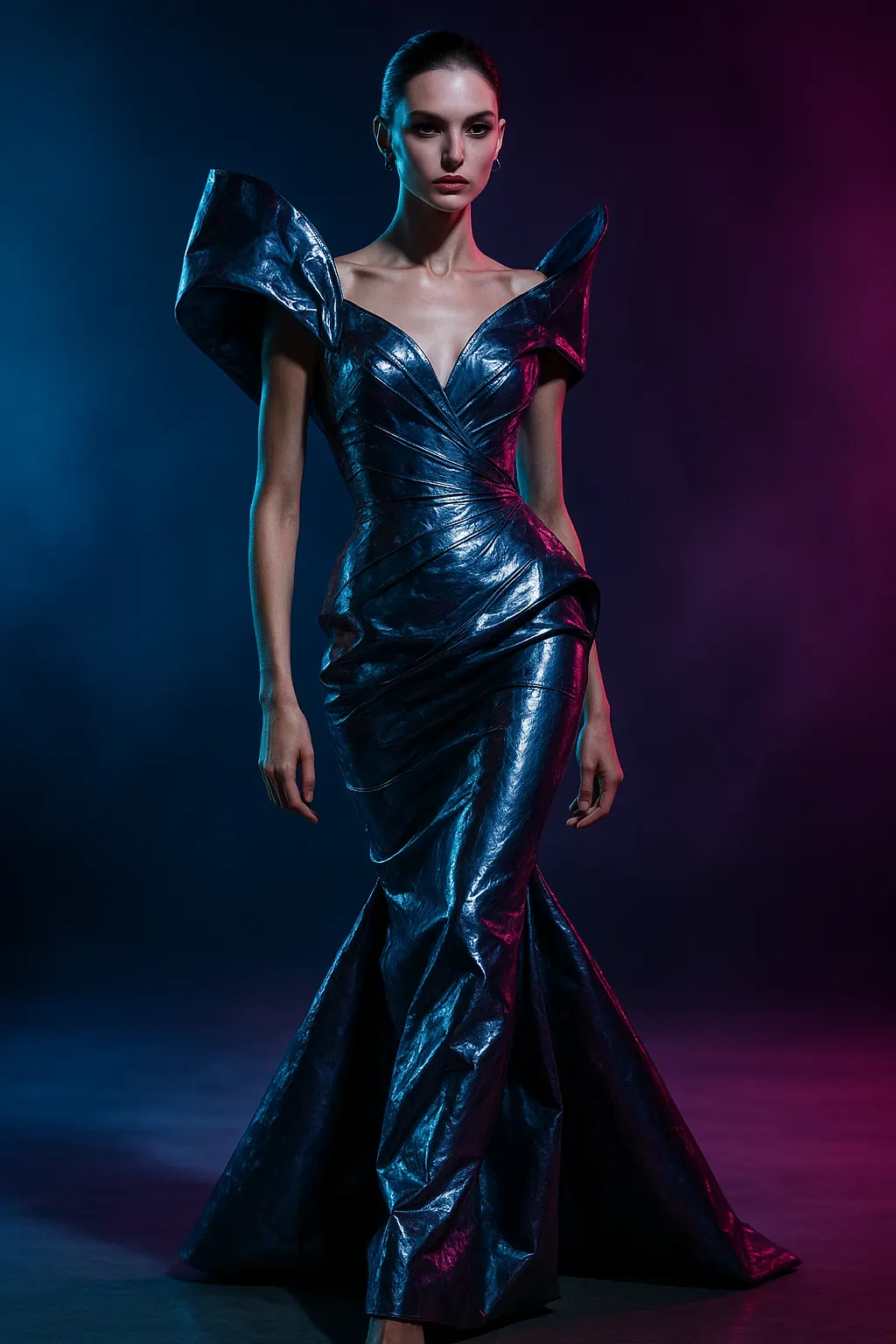
Prepare a food campaign: describe the dish, ingredients, lighting, restaurant atmosphere and audience.

Create a brand image: define your audience, values, palette, materials and desired emotion.
Images, videos, edits, UGC presentations and audio, depending on the tools and models available to your account.
The assistant helps you refine your idea through conversation. Generation is prepared and confirmed in the selected studio.
Compare the model pages. Your preference is passed to the studio, which confirms the available options.
Review pricing and the studio quote before confirming generation. Chat uses your account credits according to its configuration.
In your signed-in workspace, with their progress and available files.
An image, a film, a new idea. It starts with you.
Start creating ↑